Prapl FTP to FTP File Transfer connects two FTP servers and transfer files from one server to another directly without downloading them to computer. Save time, reduce bandwidth usage and move data quickly with a secure server-to-server transfer.
Support FTP, FTPS (FTP/TLS) & SFTP (SSH) servers.
Add both source and destination server into Prapl FTP to FTP file transfer and start the moving process.
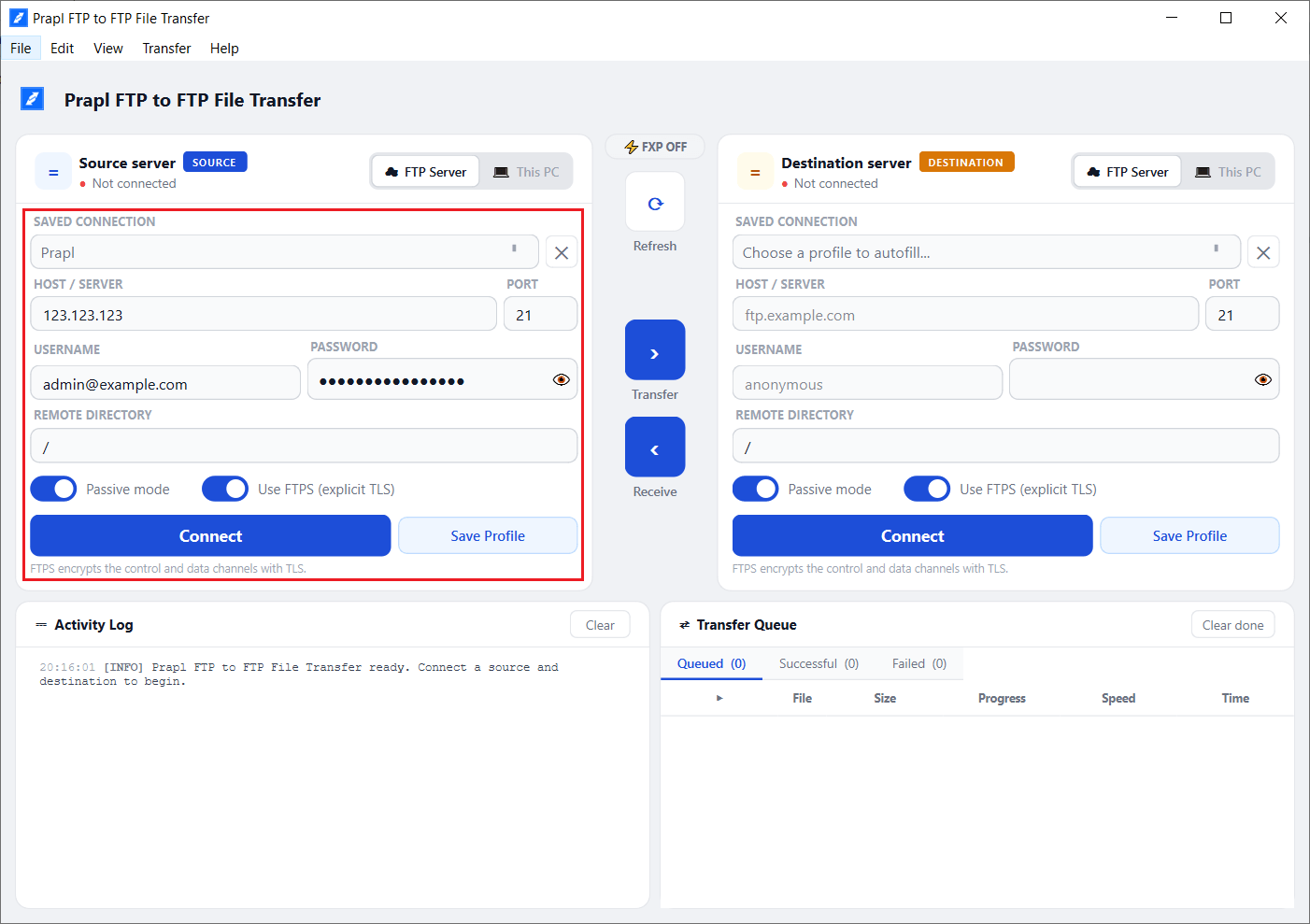
Enter the host, username and password of the source server with FTP or FTPS and click Connect.
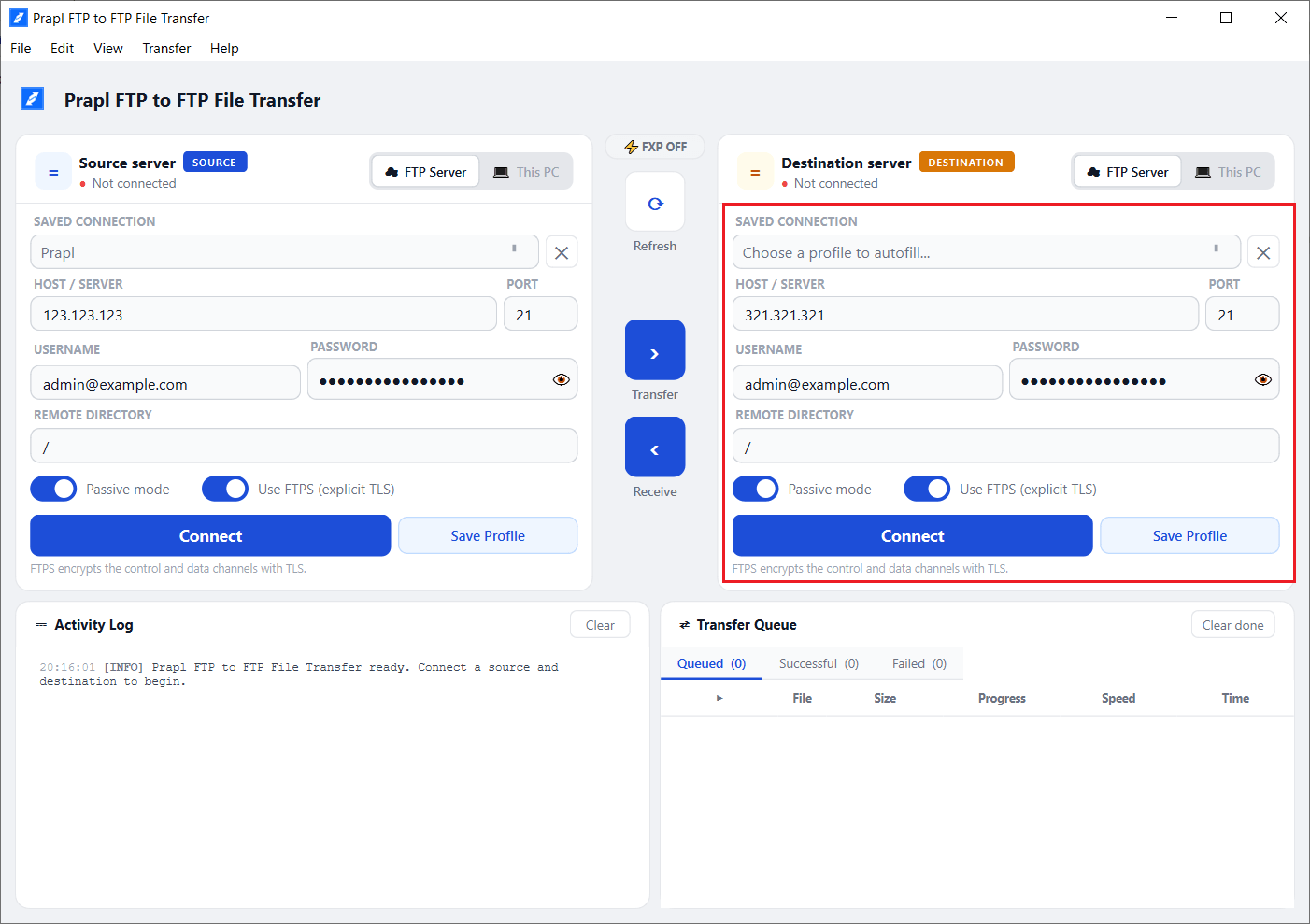
Now, enter the host, username and password of the destination server with FTP or FTPS and then press Connect.
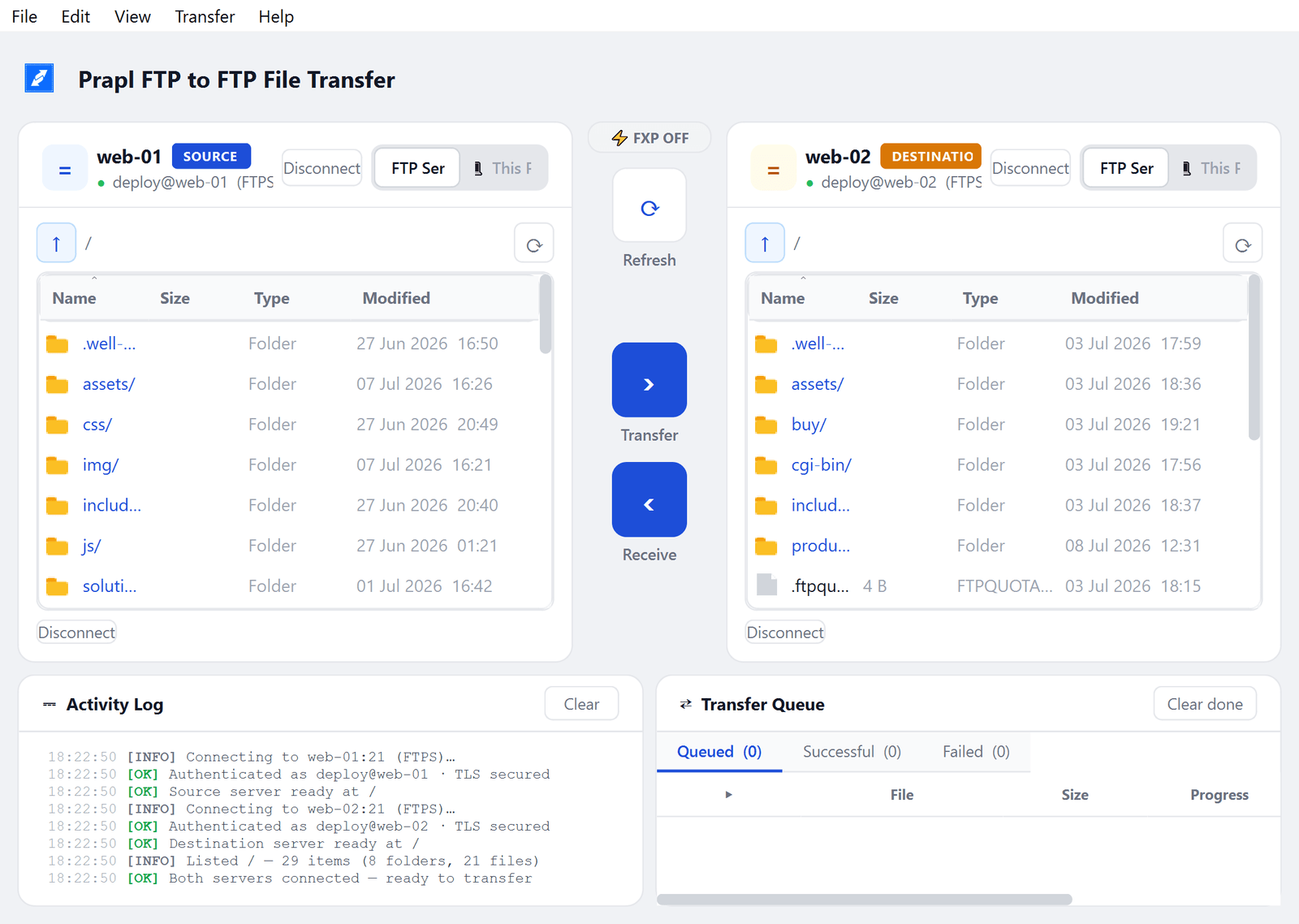
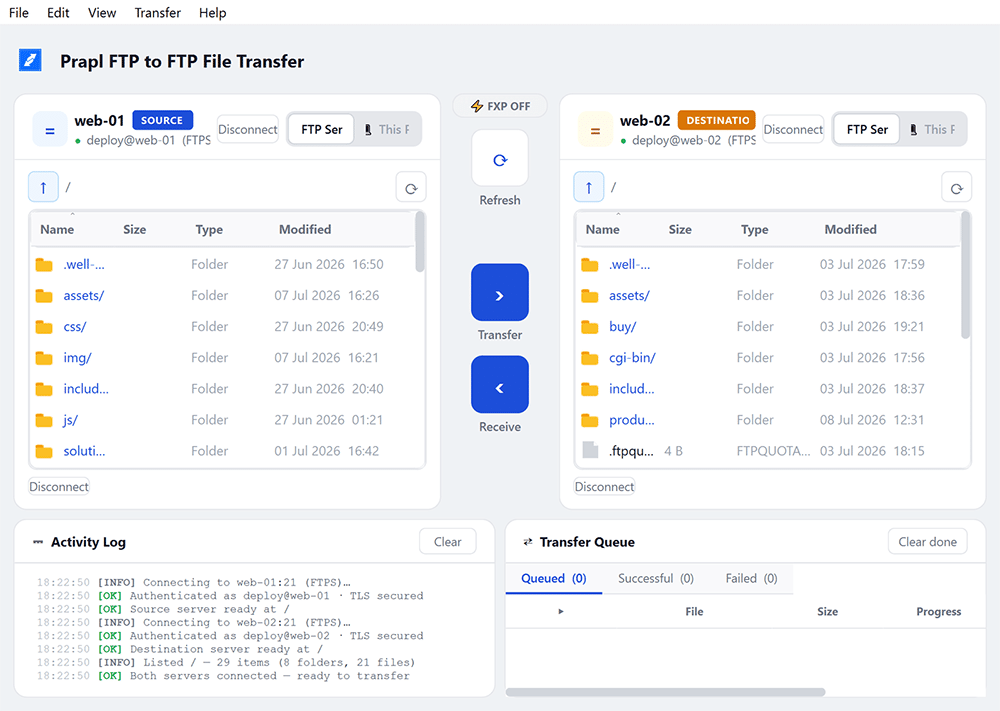
After connecting, both servers are open side by side. Select files or folders and click on Transfer or Receive.
Moving files by downloading and uploading them again takes extra time and effort. FTP to FTP File transfer skips those unnecessary steps by sending files directly between two servers.
When you connect both servers then your source server is on the left and destination server on the right. FTP to FTP File Transfer copy files directly from one ftp server to another. This saves time and makes large file transfers much faster.
Transfer an entire website or folder in a single process. It copies all files and subfolders automatically. So you do not need to move them one by one. Track every transfer from one simple dashboard. It keeps your files organized and speeds up the transfer by handling multiple files at the same time.
Add your source and destination server details or select saved connections to get started. Once connected, browse both servers side by side and transfer files with ease.
Best way to copy files from one ftp server to another without downloading to pc.
Transfer files directly from one server to another without downloading them to your computer. This reduces transfer time, saves internet bandwidth and makes moving large websites or files much faster
When you choose a folder to transfer, the software automatically transfer all files, subfolders and their contents. The same folder structure is recreated on the destination server.
Instead of migrating one file at a time, this FTP to FTP file transfer solution move multiple files simultaneously. This speeds up large migrations and helps complete transfers much more quickly.
It supports secure FTPS connections for both the source and destination servers. All login details and transferred data are encrypted. It helps you protect sensitive files from unauthorized access.
If a file transfer fails due to temporary network issue then software retries it automatically. If the server connection is lost, it reconnects on its own and continues the transfer without requiring you to start again.
When a file with the same name already exists on the destination server then the tool will ask you before taking action. You can overwrite the file, skip it and keep both copies.
Prapl FTP to FTP file transfer supports Auto, Binary and ASCII transfer modes. It can automatically choose the correct mode for different file types or you can manually select the mode based on your requirements.
Save your FTP Server details once and resume them whenever needed. This removes the need to enter the host name, username, password and other settings every time you connect.
Monitor every transfer from a single dashboard. View transfer speed, overall progress, completed tasks, failed items and detailed activity log to keep track of every operation.
The software works almost any standard FTP or FTPS server. Whether your website is hosted on cPanel, Plesk or another hosting provider, you can connect using your existing FTP credentials.
Besides transferring files between two FTP servers, it also allows you to upload files from your computer to server or download files from the server to your computer using the same interface.
This FTP-to-FTP file transfer regularly checks for new software updates and notifies you. This ensures you always have access to the latest features, performance improvements and security updates without manual effort.
Used by developers, hosting providers and IT teams to move websites between servers.
"I had to move a large client website to different hosting provider before the end of the day. The direct server-to-server transfer saved a lot of time. Everything arrived on the correct folders without downloading a single file."
"We migrate websites for clients every week, so speed really matters. Setting up the source and destination servers took only a few minutes and transfer finished much faster than I expected. "
"One of the servers temporarily lost connection during large transfer. I expected to restart everything but the software reconnected automatically and continued from where it stopped. That feature alone saved me a lot of time. "
"The activity log was useful. I could see every transferred file, monitor the progress in real time and quickly verify that the migration had completed successfully without checking every folder manually. "
"Some hosting providers do not support direct FXP transfers but the automatic fallback worked exactly as expected. I did not have to change any settings or repeat the transfer, which made the whole migration much less stressful. "
"The parallel transfer queue improved the speed when copying thousands of small website files. Instead of waiting all evening for a migration to finish, I was able to continue working on other tasks."
You can transfer a single file, multiple files, or entire folders at once. That’s it! Easily copy, move, or transfer files and folders from one server to another.
The free FTP Client moves files between your computer and one server. Prapl FTP to FTP File Transfer, connects two servers at once and moves files directly between them — no round-trip through your machine.
With FXP turned on, data moves directly between the two servers and never touches your machine. If a server doesn't allow FXP, Prapl FTP to FTP Transfer automatically streams the files through your PC instead, so the transfer still completes.
FXP (File eXchange Protocol) tells the source server to send data straight to the destination server. Your local bandwidth and disk are never the bottleneck — which is why large site moves finish far faster.
Yes. Point it at a folder and Prapl FTP to FTP Data Migrator walks the whole directory tree recursively, recreating every subfolder on the destination and running several files in parallel.
Both connections can use FTPS (explicit TLS), so logins and data are encrypted on each side. Your credentials are stored locally on your own machine, never on our servers.
Failed files retry automatically a set number of times, and if a server drops the control connection software reconnects silently and continues the batch.
It's a native Windows desktop app and runs on Windows 10 and Windows 11 (64-bit).
Yes, a 24-hour free trial with the full product and every feature, no credit card required. See the pricing page for full details.
Yes. The FTP to FTP File Transfer documentation walks you from install to your first server-to-server transfer, screen by screen.
Move files from one server to another directly. Start your 24-hour free trial today. No sign up required.